Smart Home and Security Camera Wiring for Miami Properties
Smart home and security camera wiring for Miami properties connects cameras, lighting, networks, and automated controls through coordinated electrical planning, and Earth Electric handles the wiring and installation.
Get a Free Estimate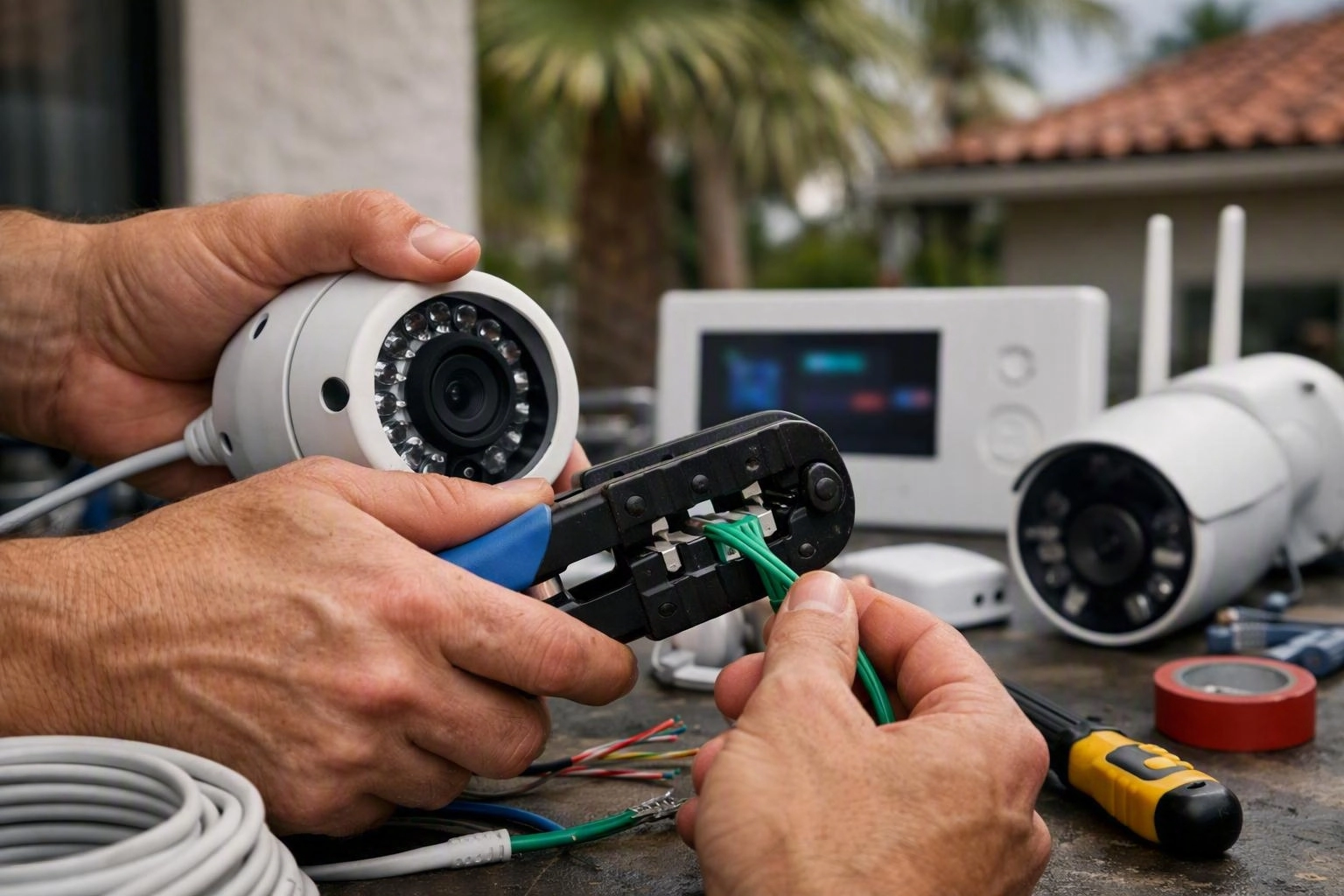
Why Miami Properties Need Coordinated Smart Home Wiring
Miami properties often combine security cameras, lighting controls, home networks, and automated devices. Coordinated planning helps each system receive the right power, connection, and protection.
Our team designs the electrical infrastructure around the property instead of treating each device as an isolated installation.
What Smart Home and Camera Wiring Includes
Structured wiring is a planned network of cables, power paths, boxes, and connection points that supports property technology infrastructure. We use the property layout and device plan to place each connection where it can be reached, protected, and serviced.
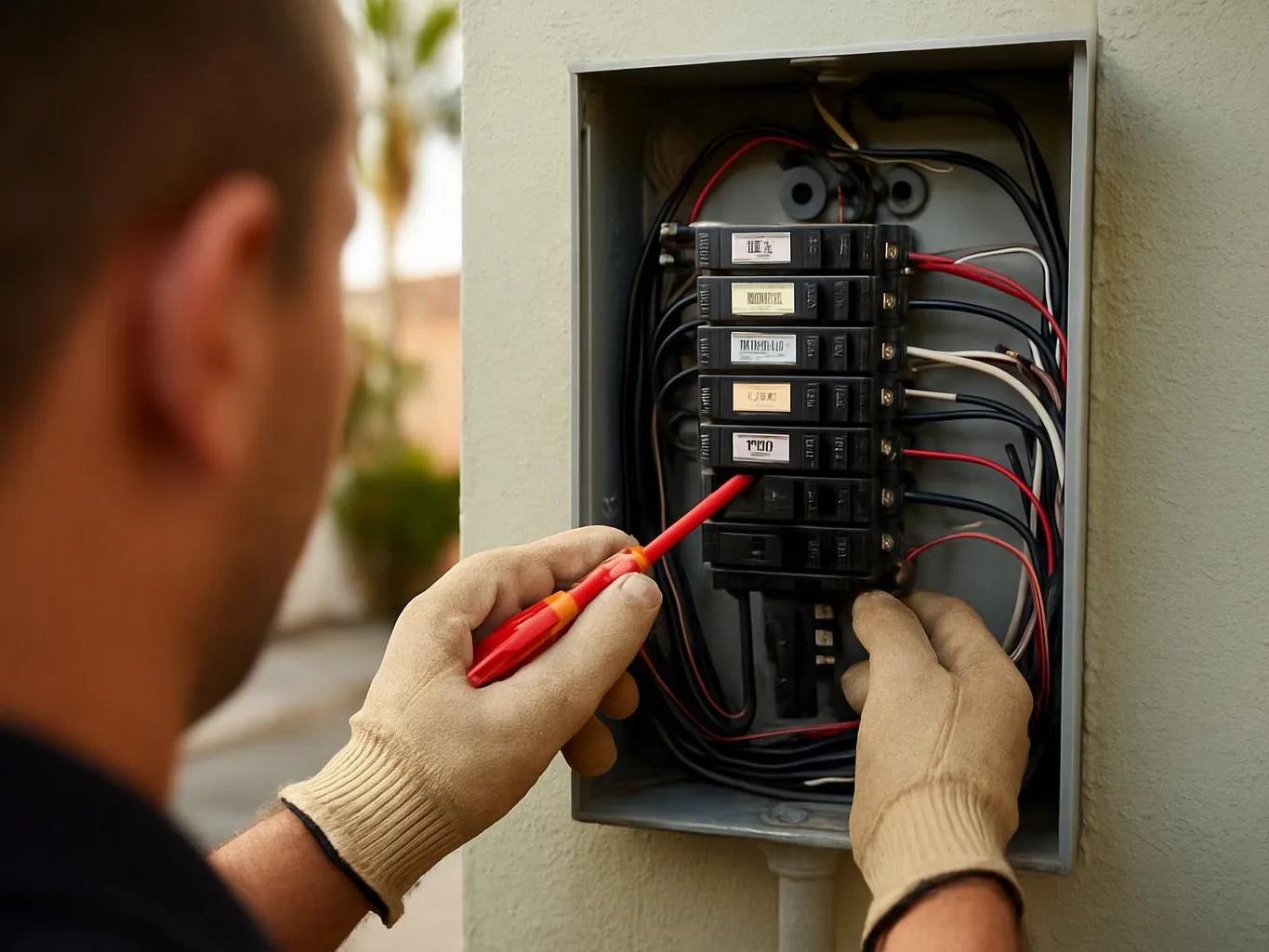
Our work can include security cameras, smart lighting, network connectivity, Ethernet cabling, a network cabinet, and dedicated circuits where the electrical design calls for them. We also review power supply needs and surge protection for connected equipment.
Smart home electrical installation can connect smart switches, lighting controls, video doorbells, motion detection, and remote monitoring. We coordinate low-voltage cabling with electrical wiring installation so the systems work together safely.
Wiring for Security Cameras in a New Home
New home wiring makes it easier to plan camera placement before walls and ceilings are closed. Earth Electric maps camera locations, low-voltage cabling, power access, and video coverage during the electrical planning stage.
Our crew routes camera cable to suitable connection points and coordinates the work with the home network. This approach supports cleaner installation and makes future device integration easier.
Smart Home Features That Matter to Miami Property Owners
Smart home features work best when their power, data, and control needs are planned together. We help connect the features that match how each property is used.
Common Wiring Challenges in Miami Properties
Existing walls, outdoor exposure, and older electrical systems can make connected-device wiring more involved. We inspect the current conditions and plan the installation around safe access and reliable operation.
How Smart Home Wiring Needs Differ by Property Customer
Smart home wiring priorities depend on who uses the property and whether the work is part of new construction or a retrofit installation. The table shows how we adapt planning to each customer.
| What is being compared | Miami property owners | Other customers |
|---|---|---|
| Primary goal | Homeowners often want simple control, monitoring, and dependable daily operation. | Landlords and property managers often focus on access, oversight, and serviceability. |
| Planning stage | New construction owners can plan structured wiring before finishes are installed. | Renovation customers often need retrofit wiring around existing walls and finishes. |
| Device needs | Homeowners may connect lighting, cameras, doorbells, and occupancy controls. | Commercial property customers may need broader coverage and organized network connections. |
| Maintenance focus | Landlords benefit from accessible connections for future tenant or device changes. | Property managers may need clear labeling and coordinated access to building systems. |
| Environmental planning | Outdoor camera and lighting locations need attention to moisture exposure. | Commercial and coastal properties may need closer review of outdoor equipment and corrosion. |
How Earth Electric Plans and Installs the Wiring
Earth Electric plans each project around the property, the devices, and the electrical system. Our team coordinates the wiring and equipment so the installation supports safe operation and future access.
What Changes the Cost of a Smart Home Wiring Project
Project cost depends on the property layout, wiring access, equipment locations, electrical capacity, and level of smart-device integration; Earth Electric provides Free Estimates Available for the planned work.
New construction usually allows more direct cable routing, while retrofit wiring may require careful access around existing walls. Camera quantity, cable routing, electrical panel capacity, and device integration also shape the work included in the quote.
Our estimate accounts for the planned electrical wiring installation, security camera installation, lighting upgrade, network connections, and surge protection installation that the property needs.
Plan Smart Home and Security Camera Wiring for Your Miami Property
Smart home wiring and security camera installation work best when the project begins with a clear device and electrical plan. Earth Electric connects the requested systems with attention to power access, network connectivity, outdoor conditions, and electrical safety.
Our team can coordinate smart lighting systems, security cameras, structured wiring, and surge protection as part of one property technology infrastructure plan. For related storm planning, see Storm-Ready Electrical Systems for Miami Homes.
Start with a project consultation through Earth Electric so we can review the property and explain the work included.
Questions About Smart Home and Security Camera Wiring
Can security cameras be wired during new home construction?
Yes, Earth Electric can plan security camera wiring during new home construction before walls and ceilings are closed. We coordinate camera placement, low-voltage cabling, power access, and network connectivity with the broader electrical plan.
What should be planned before installing smart lighting in a Miami property?
Smart lighting planning should cover fixture locations, smart switches, lighting controls, network connectivity, electrical load, and surge protection. We review the existing wiring or new construction plan before completing the lighting upgrade.
What changes the cost of wiring security cameras in an existing property?
Existing-property camera wiring cost depends on camera locations, wall access, cable routing, power supply, network connections, and the condition of the electrical panel. We review those factors and provide Free Estimates Available for the planned work.
Should smart home equipment have surge protection?
Yes, surge protection is a relevant consideration for connected smart home equipment, especially where severe thunderstorms and tropical weather can create electrical disturbances. We review the electrical system and plan surge protection installation around the connected equipment.
Related Resources
How Much Does It Cost to Rewire a House in Miami?
What It CostsLighting, Landscape Lighting, and Ceiling Fan Installation Costs
Compared ToOutlet, GFCI, and Dedicated Circuit Installation: Which Service Do You Need?
Compared ToWhole-Home Surge Protection: Cost, Benefits, and Installation Options